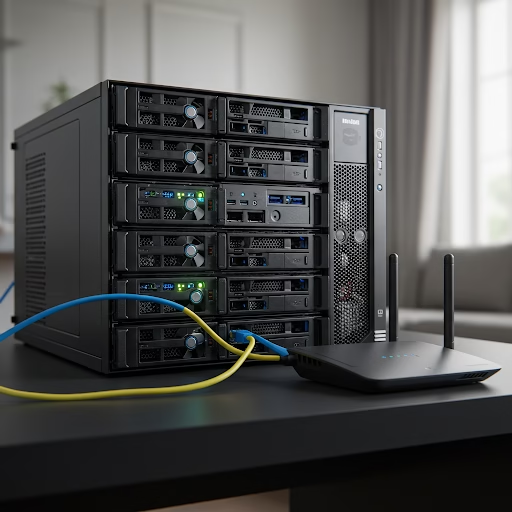
In an era where streaming services dominate, many tech-savvy users are turning to local media servers for complete control over their personal collections. Whether you’re a movie buff, a music enthusiast, or just looking to archive family memories, setting up a home media server ensures seamless access without reliance on third-party services. Here’s how you can build and optimize your own local server for storing and streaming media.
Choosing the Right Hardware
Before diving into software, selecting the right hardware is crucial. Your needs will dictate the level of power and storage required.
- Raspberry Pi (for lightweight setups) – Ideal for small libraries and low-power consumption.
- Mini PC or NAS (Network Attached Storage) – Perfect for larger collections with built-in redundancy options.
- Dedicated Server (for high-performance needs) – Great for 4K streaming and multiple users.
Selecting Your Media Server Software
Several media server applications cater to different needs. Here are some top choices:
- Plex – User-friendly with extensive device support.
- Jellyfin – Open-source and privacy-focused.
- Emby – A balance between open-source flexibility and premium features.
- Kodi – Highly customizable and great for HTPC (Home Theater PC) setups.
Setting Up Your Server
- Install the OS: Linux-based systems like Ubuntu Server or TrueNAS are great for stability.
- Configure Storage: Use RAID for redundancy or ZFS for advanced data integrity.
- Install Media Server Software: Follow the documentation for your chosen platform.
- Organize Media: Store files in clearly labeled folders (e.g., Movies, TV Shows, Music).
- Enable Remote Access: Use dynamic DNS and VPNs for secure streaming outside your home.
Optimizing Performance
- Enable Hardware Transcoding – Especially useful for streaming to multiple devices.
- Optimize File Formats – Use efficient formats like H.265 for reduced storage space without quality loss.
- Set Up Automated Backups – Use rsync or cloud sync tools to prevent data loss.
- Implement Network Tweaks – Use wired connections for better streaming performance.
Also Read: The Art Of Solo-Living
Why Local Servers Are Worth It
Owning a home media server means no subscription fees, no content restrictions, and full control over your collection. Whether you’re safeguarding family videos or curating a massive media library, a well-optimized local server offers reliability, privacy, and flexibility.
Are you ready to build your ultimate home media hub? Start experimenting with different setups, and tailor your server to your specific needs!