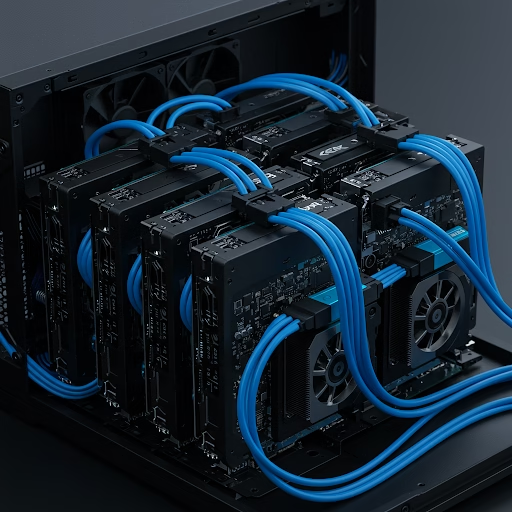
AI is no longer limited to big tech companies. Enthusiasts, researchers, and developers now have access to affordable hardware and open-source tools to building AI compute clusters right at home. Whether you’re training machine learning models, experimenting with generative AI, or running complex computations, a personal AI cluster offers flexibility, privacy, and cost efficiency.
Why Build a Local AI Compute Cluster?
Building AI compute cluster allows you to harness parallel computing power without relying on cloud-based services. Here’s why it’s worth considering:
Cost-Effective – Avoid expensive cloud computing fees by using local hardware.
Privacy & Security – Keep sensitive AI projects offline, ensuring data confidentiality.
Customizable & Scalable – Tailor the cluster to your needs and expand it over time.
Faster Processing – Reduce latency by running AI models directly on your local network.
Essential Components for Your AI Compute Cluster
To build a local AI cluster, you’ll need:
1. GPUs or TPUs – NVIDIA GPUs (RTX 4090, A100) or Google TPUs provide the power for AI workloads.
2. Multi-Node Setup – Raspberry Pi clusters work for lightweight projects, while full server racks handle intensive tasks.
3. High-Speed Networking – Use 10GbE networking or InfiniBand to ensure smooth data flow between nodes.
4. Storage Solutions – Opt for NVMe SSDs or RAID configurations for fast data access.
5. AI Frameworks & Software – Install Docker, Kubernetes, TensorFlow, or PyTorch to manage workloads efficiently.
Also Read: AI-Assisted Worldbuilding for Collaborative Storytelling
How to Set Up Your AI Compute Cluster
1: Select Your Hardware
- Start with a single GPU system and scale up with multiple GPUs or compute nodes.
- Consider used enterprise GPUs to reduce costs.
2: Configure Networking & Storage
- Use Ethernet or InfiniBand for fast communication between nodes.
- Set up shared storage so all nodes can access datasets.
3: Install AI Software & Management Tools
- Use Linux (Ubuntu) for stability.
- Install Docker + Kubernetes to distribute AI workloads across nodes.
4: Optimize Performance
- Enable CUDA and cuDNN for GPU acceleration.
- Use parallel processing to maximize compute power.
The Future of DIY AI Compute Clusters
As AI hardware becomes more affordable, home-built AI clusters will empower developers to create advanced models without relying on cloud services. Whether you’re working on AI art, language models, or robotics, a local AI compute cluster provides the power and freedom to innovate.
For a deeper dive into AI cluster setups, check out this guide on building AI clusters.